
Software architecture relies heavily on visual communication. Deployment diagrams serve as the blueprint for how code transitions from a developer’s local environment to production infrastructure. When these diagrams are inaccurate or incomplete, the entire DevOps pipeline suffers. Engineers waste time troubleshooting connectivity issues that were predictable. Operations teams struggle to provision resources that do not match the design. This disconnect between design and reality creates friction, slows down release cycles, and increases the risk of outages.
A well-crafted deployment diagram clarifies boundaries, dependencies, and data flows. It acts as a single source of truth for infrastructure teams. However, creating these diagrams is often treated as a documentation exercise rather than a strategic planning tool. This leads to recurring errors that hinder automation and scaling. The following guide details common pitfalls found in deployment architecture documentation and explains how correcting them improves operational efficiency.
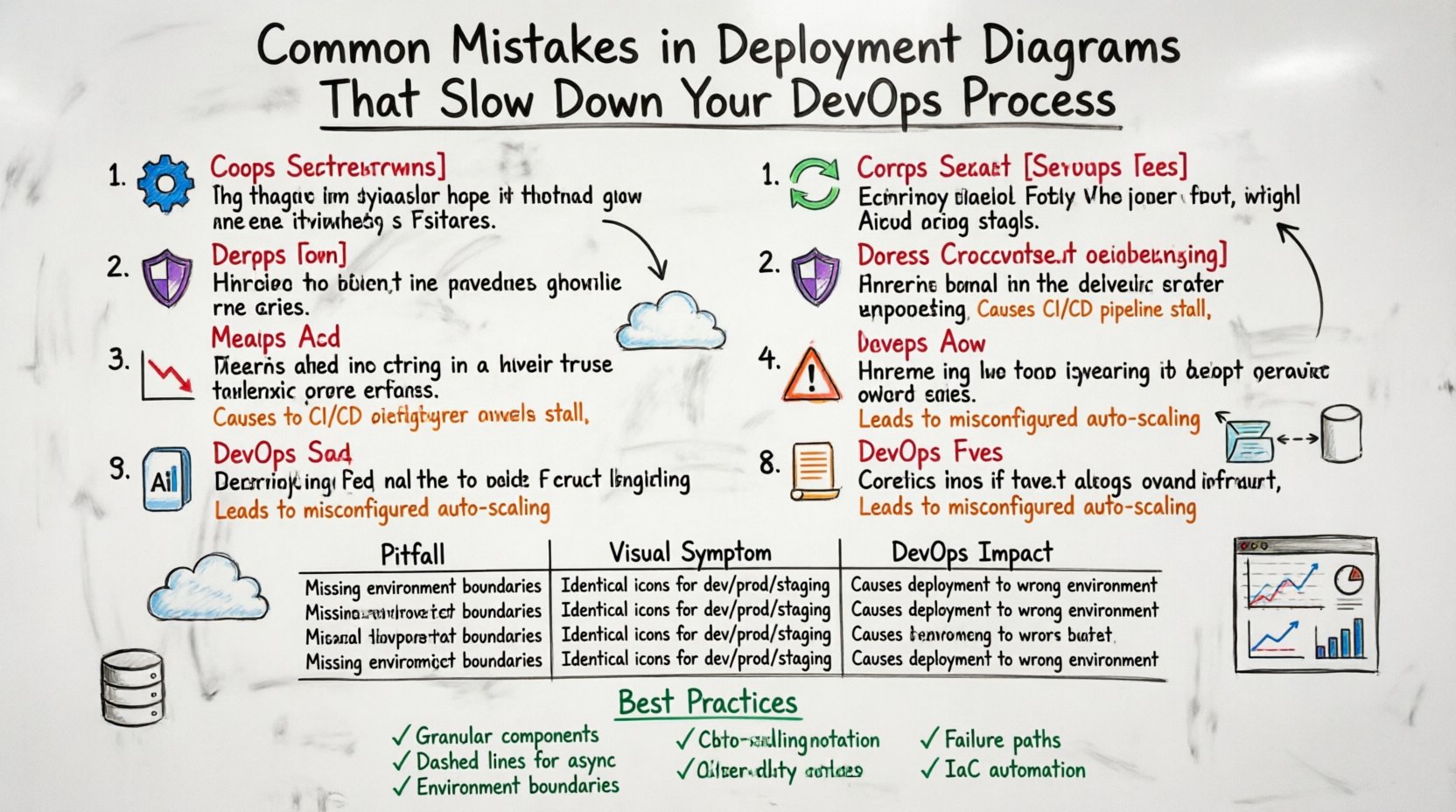
1. Over-Abstraction of Components ⚙️
One of the most frequent errors is grouping complex systems into generic black boxes. While high-level diagrams should show the big picture, deployment diagrams require a specific level of granularity. If you represent an entire microservice cluster as a single box labeled “Application Server,” you lose critical visibility.
This abstraction creates ambiguity during the provisioning phase. The operations team does not know:
- How many instances are required for high availability.
- What specific memory or CPU allocations are needed.
- If stateful components are involved within that box.
- Whether the internal traffic uses HTTP or gRPC.
When these details are missing, the infrastructure-as-code scripts become guesswork. Engineers might provision a single instance instead of a cluster, leading to a single point of failure. They might allocate insufficient resources, causing performance bottlenecks under load. The diagram must distinguish between stateless containers and stateful databases. It must show load balancers, gateways, and reverse proxies explicitly.
Impact on DevOps:
- Increased manual intervention during deployment.
- Resource over-provisioning due to safety margins.
- Difficulty in implementing auto-scaling policies.
2. Ignoring Asynchronous Communication Patterns 🔄
Modern architectures often rely on event-driven mechanisms. Services communicate via message queues, event buses, or streams rather than direct synchronous HTTP calls. A common mistake is drawing only request-response arrows between nodes. This implies that the sender waits for the receiver to finish before proceeding.
In reality, many systems utilize fire-and-forget messaging. If the diagram does not show the message broker, the queue, or the topic, the DevOps team might not configure the necessary retry logic or dead-letter queues. They might assume the connection must remain open, leading to socket timeout errors in the CI/CD pipeline.
Consider a scenario where an order is placed. The service might:
- Accept the order.
- Push a message to a queue.
- Respond immediately to the user.
- Process payment asynchronously later.
If the diagram only shows the order service talking directly to the payment service, the team might try to implement a synchronous API call. This blocks the user interface during payment processing. It also ties the two services together tightly, violating the principle of loose coupling.
Corrective Action:
- Use dashed lines or specific icons to denote asynchronous messages.
- Label the message brokers explicitly.
- Indicate the direction of data flow for background tasks.
3. Lack of Environment Segmentation 🛡️
Deployment diagrams often fail to distinguish between development, staging, and production environments. A common pattern is to draw the architecture once and reuse it for every environment. This is dangerous because security and isolation requirements differ significantly across stages.
Production environments typically require stricter network isolation, private subnets, and dedicated security groups. Development environments often allow open access for debugging. If the diagram treats them as identical, the security policies applied might be too permissive for production or too restrictive for development.
This leads to:
- Security Vulnerabilities: Production databases might be accidentally exposed to the public internet if the network topology is not clearly defined.
- Compliance Failures: Auditors may flag infrastructure that lacks clear separation of duties.
- Configuration Drift: Scripts written for one environment may break when applied to another due to differing network paths.
A robust diagram should show the network boundaries for each environment. It should indicate which resources are public-facing and which are internal. It should highlight where firewalls or security groups are enforced.
4. Static Snapshots of Dynamic Systems 📉
Software infrastructure is not static. Services scale up and down based on traffic. Nodes are replaced during updates. A deployment diagram that represents a single moment in time can become obsolete immediately after the first deployment. This is particularly true for auto-scaling groups.
If the diagram shows a fixed number of servers, the team cannot plan for traffic spikes. They might assume capacity is limited to the drawn nodes. This prevents the implementation of elastic scaling strategies. The diagram should indicate the *potential* for scaling rather than just the current state.
Furthermore, cloud-native architectures involve ephemeral resources. Containers are created and destroyed rapidly. A diagram showing static IP addresses for containers is misleading. It should reflect the use of service discovery mechanisms or load balancers that abstract the underlying instances.
Best Practices for Dynamic Diagrams:
- Use notation to indicate auto-scaling groups.
- Label resources as ephemeral or persistent.
- Show the control plane separately from the data plane.
- Update diagrams alongside infrastructure code changes.
5. Missing Observability and Monitoring Nodes 📊
Many deployment diagrams focus solely on application logic and data storage. They omit the systems responsible for monitoring, logging, and alerting. This is a critical oversight. Without visibility, you cannot maintain reliability.
If the diagram does not show where logs are shipped or where metrics are collected, the DevOps team might struggle to diagnose issues. They may not know which node is responsible for aggregating data. They might miss the connection to the central logging service.
Include the following in your architecture visualization:
- Centralized Logging: Where do application logs go?
- Metrics Collection: How is CPU and memory usage tracked?
- Alerting Systems: Who gets notified when thresholds are breached?
- Tracing: How is request flow tracked across services?
Leaving these out creates a blind spot. When an incident occurs, engineers spend valuable time locating the logs instead of fixing the issue. It slows down the mean time to resolution (MTTR).
6. Unclear Data Persistence and Flow 💾
Understanding where data lives and how it moves is vital for deployment. A common mistake is drawing lines between services without specifying the data type or storage mechanism. Is the data temporary? Is it cached? Is it stored in a relational database?
This ambiguity causes problems during migration. If you need to move to a new database provider, you need to know exactly which services depend on which storage backend. If the diagram lumps all data storage into one generic bucket, you cannot assess the impact of a change.
Additionally, data consistency models are often ignored. Does the system require strong consistency or eventual consistency? This affects how you deploy updates. If you update a database schema, do you need to stop the application? Or can you do it online? The diagram should hint at these constraints.
Key Data Considerations:
- Identify read-only vs. read-write data stores.
- Map data replication strategies (master-slave, multi-region).
- Clarify backup and recovery procedures linked to storage nodes.
- Specify encryption requirements for data at rest and in transit.
7. Ignoring Failure Modes and Recovery Paths ⚠️
Diagrams often depict the “Happy Path”—how the system works when everything succeeds. They rarely show what happens when a component fails. In a resilient architecture, failure handling is a first-class citizen.
If the diagram does not show fallback mechanisms, the team might not implement them. For example, if a primary database fails, is there a read replica? If a message queue is down, does the system buffer requests? Without visual representation of these paths, engineers might assume the system will crash gracefully when it will not.
Include failure indicators:
- Redundant instances for critical nodes.
- Load balancer health check configurations.
- Retry policies for external dependencies.
- Circuit breakers to prevent cascading failures.
This visibility ensures that the deployment strategy includes health checks and automatic failover procedures. It reduces the risk of human error during incident response.
8. Manual Configuration Drift 📝
Deployment diagrams sometimes imply manual steps that should be automated. If a diagram shows a human clicking buttons or running scripts to configure a server, it signals a lack of automation. DevOps aims for infrastructure as code (IaC).
When a diagram relies on manual configuration, it introduces variability. One engineer might configure a server differently than another. This leads to configuration drift. The production environment no longer matches the development environment, causing “works on my machine” issues.
The diagram should reflect the automated provisioning process. It should show the code repositories that drive the infrastructure. It should indicate where the configuration is stored and how it is versioned. This aligns the visual representation with the actual operational reality.
Comparison of Common Pitfalls
| Pitfall | Visual Symptom | DevOps Impact |
|---|---|---|
| Over-Abstraction | Single box for entire cluster | Incorrect resource allocation, scaling failures |
| Ignoring Async | Solid lines only | Timeout errors, tight coupling, UI blocking |
| No Environment Segmentation | One diagram for all stages | Security risks, compliance issues, config drift |
| Static Snapshots | Fixed number of nodes | Cannot handle traffic spikes, scaling delays |
| Missing Observability | No monitoring tools shown | High MTTR, blind spots during incidents |
| Unclear Data Flow | Generic data storage icons | Migration complexity, data consistency errors |
| No Failure Paths | Only “Happy Path” drawn | System crashes during outages, no failover |
| Manual Drift | Human operator icons | Inconsistent environments, deployment errors |
Integrating Diagrams into the CI/CD Pipeline 🔗
Once the diagram is accurate, it must be integrated into the workflow. It should not be a static document stored in a wiki. The diagram should be generated from the infrastructure code or kept in sync with the repository. This ensures that the visual representation matches the deployed state.
Automated validation can be used to check the diagram against the actual cluster. If the diagram says there should be three nodes, but the cluster has two, the pipeline should alert the team. This keeps the documentation current and trustworthy.
Use version control for the diagrams themselves. Just like code, diagrams should have history. This allows you to see how the architecture evolved over time. It helps new engineers understand why certain design decisions were made.
Ensuring Clarity for Cross-Functional Teams 🤝
Deployment diagrams are not just for engineers. They are for product managers, security auditors, and stakeholders. The notation must be clear to non-technical audiences as well. Avoid overly complex symbols that confuse the reader.
Focus on the flow of value. How does user input become a response? Where does the cost come from? Where is the risk? By aligning the diagram with business logic, you ensure that everyone understands the infrastructure’s role in the product.
Standardize your notation across the organization. If one team uses a specific icon for a database, all teams should use the same icon. This reduces cognitive load when reviewing architecture across different projects.
Maintaining Documentation Health 🧹
A diagram is a liability if it is outdated. It is better to have no diagram than a misleading one. Establish a process for updating diagrams.
- Change Management: Require diagram updates as part of the pull request process for infrastructure changes.
- Regular Reviews: Schedule quarterly reviews of the architecture to ensure it still matches the current state.
- Feedback Loops: Encourage engineers to flag outdated diagrams when they encounter discrepancies.
This culture of maintenance ensures that the deployment diagram remains a useful tool rather than a relic.
Summary of Architectural Integrity
Building a reliable system requires precise documentation. Deployment diagrams are the foundation of this documentation. By avoiding common mistakes such as over-abstraction, ignoring asynchronous flows, and neglecting security boundaries, you create a clearer path for your DevOps team.
Investing time in accurate diagrams pays off in reduced troubleshooting time, fewer production incidents, and faster onboarding for new engineers. The goal is not perfection, but clarity. A clear diagram allows the team to move forward with confidence, knowing the infrastructure matches the design.
Start by auditing your current diagrams against the points listed above. Identify the gaps. Update the visuals. Align the documentation with the code. This alignment is the key to a streamlined and efficient deployment process.